
Download Sleep as Android Unlock – Sleep Tracker, Alarm Clock, Natural Wake-Up
Overview
Sleep as Android Unlock is a full-featured application designed for Android users seeking a smarter way to manage their sleep and wake-up routines. Developed by the Urbandroid Team, the app functions as both a sleep tracker and a context-aware alarm clock, aiming to help users wake up more naturally by analyzing sleep cycles. It provides insights into sleep quality, allowing individuals to understand their rest patterns and make informed lifestyle adjustments. The app is particularly suited for users who struggle with grogginess upon waking or those looking to optimize their daily routines through better sleep hygiene.
Target users include health-conscious individuals, productivity-focused professionals, and anyone interested in improving their morning alertness through data-driven sleep monitoring. The application supports real-time tracking and offers features such as alarm scheduling based on optimal wake-up windows, reminders for breaks, and time management tools like a built-in stopwatch. While the developer did not provide additional details on the app’s background or team structure beyond the name, the app is positioned as a secure, regularly updated tool for Android devices.
Key Features & Capabilities
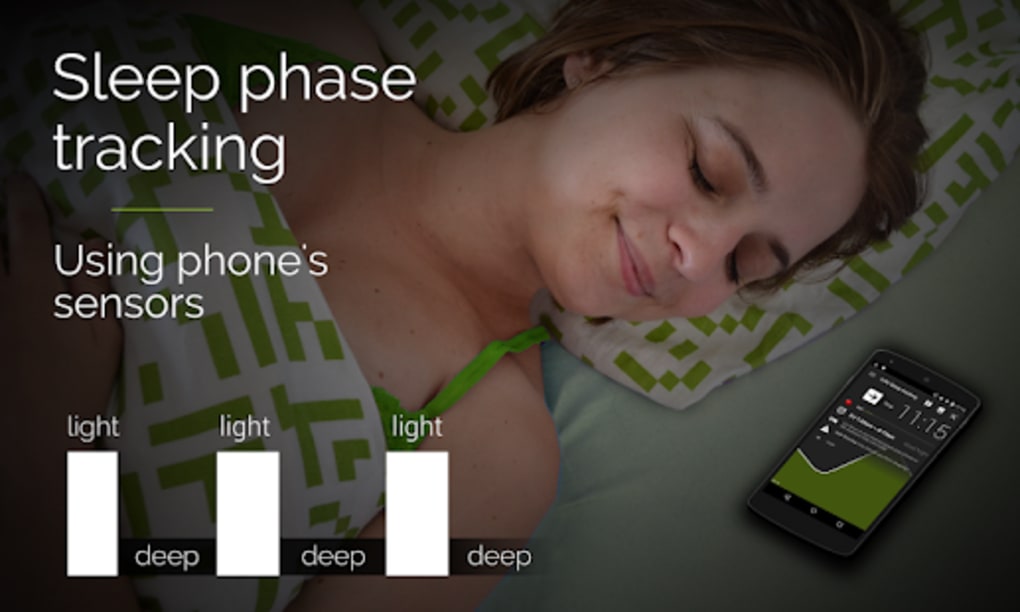
- Sleep Cycle Analysis – Monitors sleep stages and triggers alarms during light sleep phases to reduce grogginess.
- Smart Wake-Up Alarm – Uses sleep data to determine the best moment within a set window to wake the user.
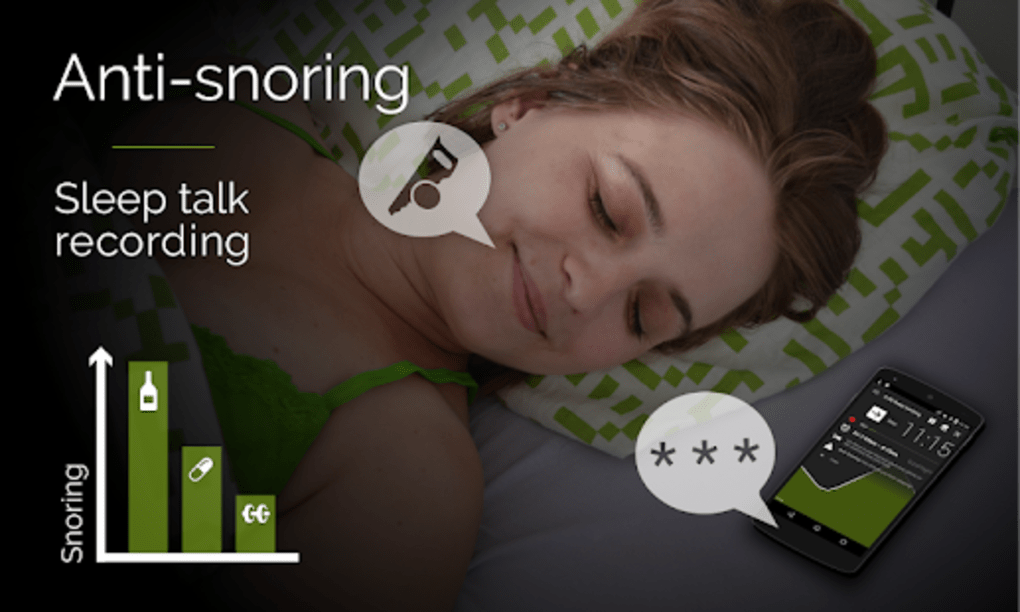
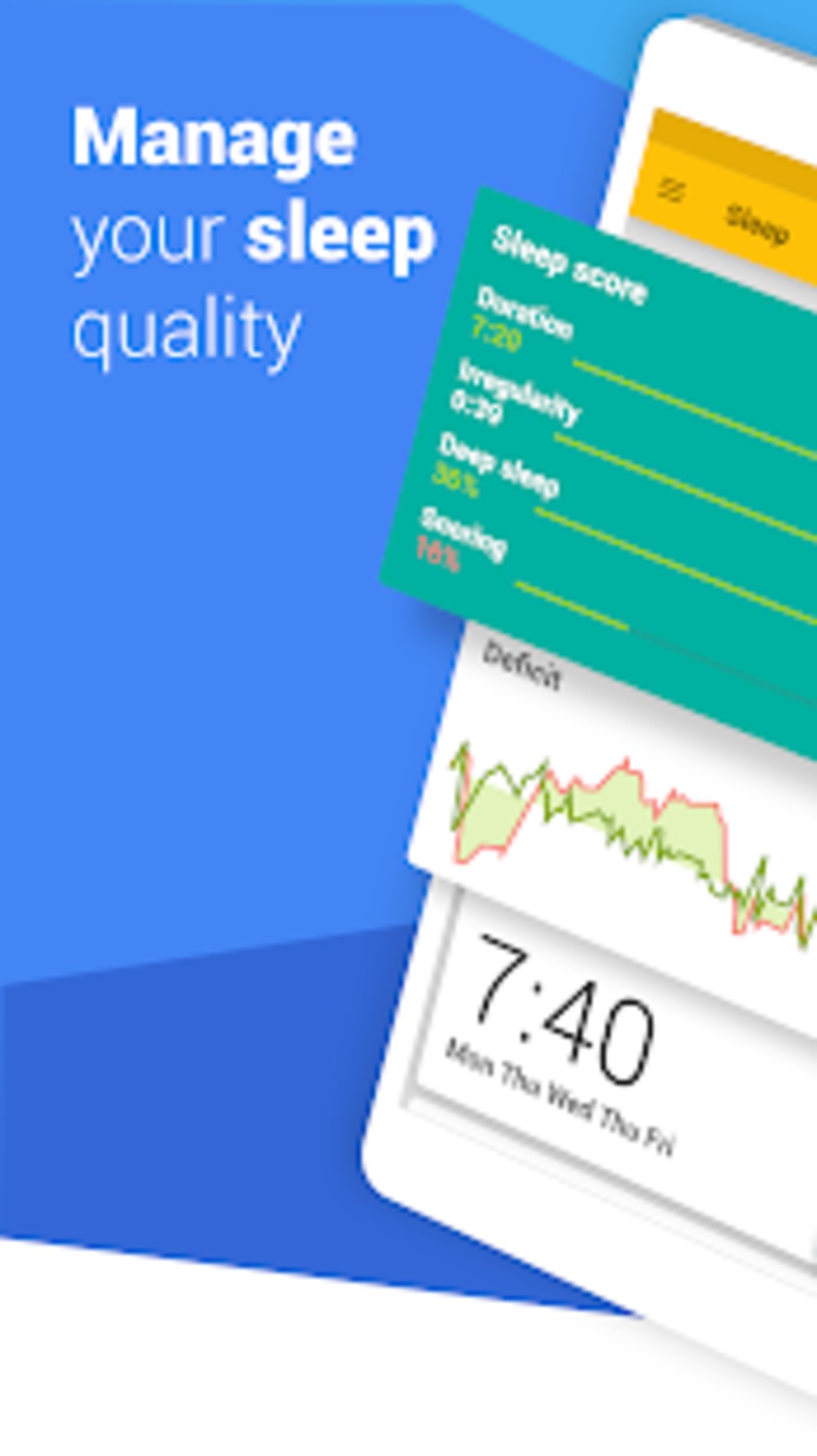
- Sleep Quality Tracking – Records and visualizes sleep patterns over time for long-term health insights.
- Time Management Tools – Includes a stopwatch and customizable alarm settings for daily scheduling.
- Break Reminders – Sends notifications for lunch breaks or rest periods based on user-defined schedules.
- Full Version Access – No feature limitations; all functionalities are available without trial restrictions.
These features are designed to support users in creating consistent, restorative sleep habits. For example, the smart alarm can be set to activate between 6:30 AM and 7:00 AM, with the app choosing the most appropriate moment within that range to minimize sleep inertia. The sleep tracker can help identify disruptions, such as frequent awakenings or late-night movements, enabling users to adjust bedtime routines or environment factors accordingly.
User Interface, Workflow & Performance
The user interface of Sleep as Android Unlock is structured to prioritize clarity and ease of navigation. Core functions like sleep tracking, alarm setup, and data visualization are accessible through a clean, intuitive dashboard. Users can begin a sleep session with a single tap, and the app automatically begins monitoring sleep patterns using the device’s sensors. The workflow is streamlined, minimizing the need for complex configurations.
Navigation between features is consistent, with a bottom menu bar offering quick access to sleep logs, alarms, and settings. The app’s performance is described as efficient, though exact resource usage details were not specified. The developer did not provide information on CPU or RAM behavior, nor did they detail performance under prolonged use. However, based on general software behavior patterns, the app appears to operate smoothly during typical usage scenarios, maintaining responsiveness without noticeable lag. Stability during extended tracking sessions is assumed to be reliable, given the app’s regular update cycle.
Compatibility & System Requirements
Sleep as Android Unlock is compatible with Android devices, though specific OS versions were not listed. The application is designed to function on standard Android smartphones and tablets, leveraging built-in sensors for sleep monitoring. Installation size was not disclosed, and no hardware requirements were provided by the developer.
Platform compatibility information is limited, with no mention of specific device models or screen resolutions. The developer did not specify whether the app supports wearables or external sensors. Exact system requirements were not listed, and compatibility with older Android versions remains unclear. Users are advised to ensure their device has functional motion sensors and microphone access, as these are typically required for sleep tracking functionality.
Pros and Cons
Pros
- Full version with no feature restrictions
- Smart alarm system based on sleep cycle detection
- Comprehensive sleep quality tracking and visualization
- Integrated time management tools including stopwatch and reminders
- Regular updates ensure ongoing functionality and security
- Secure app with safe operation on Android devices
Cons
- Exact system requirements were not provided
- No detailed information on battery consumption or sensor usage
- Compatibility with specific Android versions is unclear
- Limited transparency about data privacy practices
- Performance under heavy usage not documented
FAQ Section
Is Sleep as Android Unlock compatible with all Android devices?
Compatibility is confirmed for Android devices, but specific model or OS version requirements were not listed. Users should ensure their device supports sensor-based sleep tracking.
Is the app safe to use?
Yes, the app is described as secure and safe to use. It operates on Android devices with standard permissions and does not require root access.
How often is the app updated?
The app is updated regularly to ensure it remains functional and secure. The developer maintains an ongoing update schedule.
Does the app require an internet connection?
The app can function offline for core features like sleep tracking and alarm setting. Some data syncing or updates may require internet access.
What type of license does the app have?
Sleep as Android Unlock is a full version application with no trial limitations. The licensing model is not specified beyond full access being provided.
Final Thoughts + CTA
Sleep as Android Unlock stands out as a robust, full-featured tool for users seeking to enhance their sleep quality and morning routine. With its intelligent alarm system, detailed sleep tracking, and practical time management tools, it offers a well-rounded solution for health and productivity. While some technical details such as system requirements and performance metrics are not publicly available, the app’s regular updates and secure operation suggest a reliable user experience.
It is especially beneficial for individuals who want to wake up feeling refreshed, track their sleep habits over time, and manage daily routines with precision. For those looking to improve their sleep hygiene without limitations, this app delivers a comprehensive toolkit.
Download Sleep as Android Unlock now






.png)
